
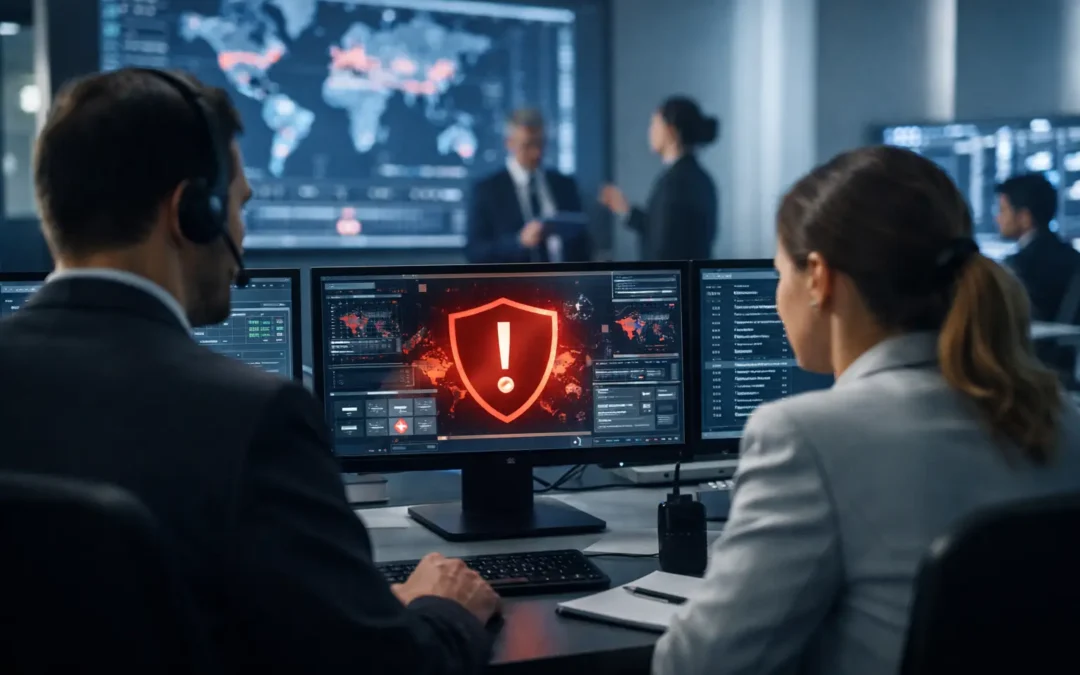
A security incident rarely arrives at a convenient time. It may begin with a suspicious email, an employee locked out of a critical system, a failed backup, or a vendor alert late on a Friday afternoon. Knowing how to build incident response before that moment gives your business a clear path forward when pressure is high and every minute of downtime matters.
For Central Florida organizations that depend on client data, cloud applications, connected offices, or regulated information, incident response is not only a cybersecurity exercise. It is a business continuity discipline. A good plan helps your team make sound decisions, protect customers, preserve evidence, and restore normal operations without unnecessary confusion.
Start With the Incidents That Could Disrupt Your Business
An incident response plan should reflect your actual operations, not a generic checklist downloaded years ago. Start by identifying the systems, data, and processes your organization cannot afford to lose. For a law firm, that may include case files and email. For a healthcare or biotech organization, it may include protected information and specialized systems. An engineering firm may depend on design files, project management platforms, and remote access.
Then consider the incidents most likely to affect those assets. Ransomware, business email compromise, unauthorized account access, lost devices, cloud service outages, and network failures are common concerns. Physical events matter too, particularly when a server room, cabling system, or primary office location supports daily work.
The goal is not to predict every possible problem. It is to decide which disruptions require a coordinated response and what consequences are unacceptable. This creates a practical foundation for priorities, recovery targets, and technology investments.
Define What Counts as an Incident
Not every help desk issue should activate your incident response process. A single forgotten password may be routine. Multiple failed login attempts from an unfamiliar location, especially followed by unusual mailbox activity, may be a security incident.
Set clear severity levels so employees and technology partners can escalate issues consistently. A low-severity event might affect one noncritical device with no sign of data exposure. A high-severity incident could involve ransomware, suspected financial fraud, sensitive data leaving the business, or an outage affecting core operations.
Your definitions should answer three questions: What happened? What is at risk? Who needs to know now? When those answers are clear, teams can avoid both underreacting to a serious threat and creating disruption over a minor technical issue.
Assign Roles Before You Need Them
The strongest plan can still fail if everyone assumes someone else is handling the problem. Incident response needs named roles, primary contacts, and backups. In smaller businesses, one person may hold several responsibilities. That is fine, as long as the responsibilities are explicit.
At a minimum, establish who can declare an incident, who coordinates technical containment, who makes business decisions, and who communicates with employees, customers, insurers, legal counsel, or outside vendors. Your managed IT provider should also know who has authority to approve emergency changes, disable accounts, take systems offline, or authorize recovery actions.
Avoid building a plan around one knowledgeable employee. People take vacations, leave the company, and may be unavailable during an emergency. Keep contact details current and store the response plan somewhere your team can access even if email, single sign-on, or shared drives are unavailable.
Build an escalation path that fits your organization
Speed matters, but uncontrolled communication can create more risk. Establish a simple escalation path: the person who identifies the issue reports it, the designated coordinator verifies its severity, technical responders contain the problem, and business leadership receives concise updates at agreed intervals.
For incidents involving potential fraud or sensitive data exposure, include your bank, cyber insurance carrier, legal counsel, and relevant compliance contacts in the plan. Their involvement may be time-sensitive. Do not wait until an event is unfolding to locate policy numbers or learn insurer notification requirements.
Create Playbooks for Your Highest-Risk Events
A plan becomes useful when it tells people what to do next. Rather than relying on one long document, develop short playbooks for the incidents most relevant to your business. Each playbook should explain how to identify the event, contain immediate damage, preserve evidence, recover safely, and communicate appropriately.
For example, a ransomware playbook may direct the first responder to disconnect an affected device from the network without powering it off, notify the incident coordinator, identify connected systems, and confirm whether backups are protected. A business email compromise playbook may focus on disabling malicious forwarding rules, resetting credentials, reviewing sign-in activity, notifying financial contacts, and checking for fraudulent payment changes.
Useful playbooks typically cover these five areas:
- Initial actions to prevent the incident from spreading
- Technical investigation and evidence preservation steps
- Decision points for leadership and outside specialists
- Internal and external communication requirements
- Recovery, validation, and follow-up actions
Keep each instruction specific enough to support action but flexible enough for the situation. For example, immediately shutting down an entire network may contain an active attack, but it can also disrupt essential operations and complicate forensic review. The right response depends on the threat, the affected systems, and the availability of qualified technical guidance.
Protect the Systems That Make Recovery Possible
Incident response is closely connected to your everyday IT environment. You cannot recover quickly from a cyberattack if backups are incomplete, administrator accounts are poorly controlled, or no one knows which systems support critical business functions.
Review backup coverage, retention periods, and restoration testing. A backup that has never been tested is a recovery assumption, not a recovery plan. Maintain protected copies that cannot be easily altered or encrypted by an attacker with access to your production environment.
Also confirm that multifactor authentication is enabled where it matters most, especially for email, remote access, financial systems, cloud administration, and privileged accounts. Document key vendors, contracts, support contacts, system owners, and dependencies. If your phone system, internet connection, accounting platform, or line-of-business application fails, your responders should know who can help and what alternatives are available.
Plan Communications With Care
During an incident, employees need enough information to act responsibly without receiving confusing speculation. Prepare a few short message templates in advance for scenarios such as suspicious email activity, a temporary system outage, or a request to avoid using a particular application.
External communications require even more care. Customers, regulators, business partners, and employees may need notification after certain types of data exposure. The timing and content can depend on the information involved, contractual obligations, insurance requirements, and applicable regulations. Technical teams should not make those decisions alone.
A clear communications process protects trust. It also helps leadership provide accurate updates rather than allowing rumors to become the main source of information.
Test the Plan in Realistic Scenarios
A response plan that sits untouched in a folder will not reduce stress when an actual event occurs. Test it through tabletop exercises – short, discussion-based scenarios that let leadership, employees, and technical responders walk through their decisions.
Start with a scenario that reflects a credible risk. For example: an employee reports that files are suddenly inaccessible, several coworkers received the same unusual email, and a shared drive contains a ransom note. Ask who is contacted first, what systems are isolated, how work continues, how backups are verified, and who approves communications.
The exercise is not a test of whether people have perfect answers. It is an opportunity to find missing contacts, unclear authority, unrealistic recovery expectations, and gaps in technology controls. Update the plan after every exercise and after meaningful changes such as a new cloud platform, office move, acquisition, or compliance requirement.
Measure Readiness as a Business Capability
Your incident response process should improve over time. Track practical measures such as how quickly suspicious activity is reported, the time required to contain an issue, successful backup restoration results, unresolved security findings, and completion of employee awareness training.
Do not focus only on speed. A fast but poorly coordinated response can cause avoidable downtime or overlook legal and customer obligations. The better measure is whether your organization can make informed decisions, protect critical assets, and resume normal work with confidence.
For many growing businesses, an experienced technology partner provides the monitoring, documentation, security expertise, and on-call support needed to make that possible. ITIT helps organizations align response planning with the systems and business priorities they rely on every day.
The most valuable incident response plan is the one your people can use under pressure. Build it around real risks, practice it regularly, and treat every test or incident as a chance to make your business more prepared for the next one.