
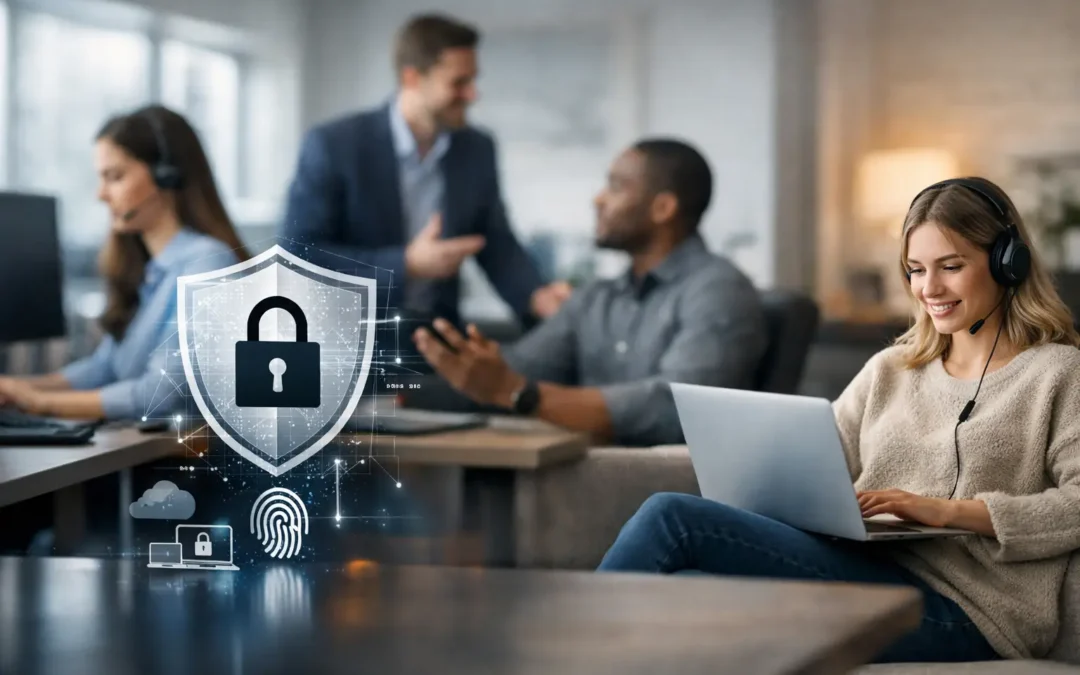
A hybrid workforce creates a security challenge that many businesses feel before they can clearly see it. Employees may move between the office, home, client sites, and public networks while using cloud applications and company data from multiple devices. Learning how to secure a hybrid workforce means protecting that flexibility without turning every login, file share, or support request into a barrier to productive work.
The goal is not to recreate the office network everywhere. It is to build a security model that verifies users, protects devices, limits unnecessary access, and gives your business visibility when something looks wrong. For growing organizations, that approach reduces downtime, supports compliance, and gives leadership more confidence in where sensitive information is going.
How to Secure a Hybrid Workforce Starts With Identity
When people work from different locations, the network perimeter is no longer the primary security boundary. Identity is. A valid user account can open the door to email, cloud storage, accounting platforms, customer records, and internal systems from nearly any location.
That makes multi-factor authentication a baseline requirement, not an optional extra. A password alone can be stolen through phishing, reused after a third-party breach, or guessed if it is weak. Multi-factor authentication adds another verification step, such as an authenticator app or security key, so a compromised password is less likely to become a full account takeover.
Businesses should also apply the principle of least privilege. Employees need access to the systems and files required for their roles, but they do not need broad access simply because they may work remotely. Review permissions when someone changes positions, joins a new project, or leaves the organization. Former employee accounts, unused shared mailboxes, and old administrator privileges are common risks that are easy to overlook.
Single sign-on can make this more manageable when a business uses several cloud applications. It gives employees a simpler sign-in experience while allowing IT to enforce consistent access policies. The trade-off is that the identity platform becomes especially critical, so it needs strong administration, recovery procedures, and regular monitoring.
Secure the Devices That Handle Business Data
A remote employee’s laptop is often the closest thing your business has to an office workstation. It should receive the same attention as any device connected inside your facility.
Company-managed devices give IT the best ability to enforce encryption, security updates, antivirus or endpoint detection tools, screen-lock settings, and remote wipe capabilities. If a device is lost at an airport, stolen from a vehicle, or infected with malware, these controls can limit the damage and help your team respond faster.
Personal-device policies require more careful decisions. A bring-your-own-device program may be practical for some teams, especially when employees use mobile phones for email and collaboration. However, storing sensitive files on unmanaged personal computers can create legal, operational, and privacy concerns. In regulated industries such as healthcare, legal, financial, and government services, the risk may outweigh the convenience.
If personal devices are permitted, establish clear boundaries. Require approved security software, enforce multi-factor authentication, prevent sensitive data from being downloaded where possible, and separate business applications from personal content. Employees should understand what the company can manage or erase before enrolling a device.
Make patching routine, not reactive
Attackers frequently target known software weaknesses because many organizations delay updates. Operating systems, browsers, VPN clients, firewall firmware, and business applications all need a defined patching process.
Critical security updates should be prioritized quickly, while larger feature updates can be tested before broad deployment. This is one area where a managed IT partner can reduce strain on internal staff: patches are monitored, scheduled, and documented rather than addressed only after a problem occurs.
Protect Data Wherever Work Happens
Hybrid work can lead to data spreading across email attachments, desktop folders, personal cloud drives, messaging apps, and USB devices. Security controls should focus on the data itself, not just the location where it is accessed.
Start by identifying which information is most sensitive. This may include client records, financial data, employee information, design files, patient information, contracts, or intellectual property. Then define where that information may be stored, who can share it, and how long it should be retained.
Approved cloud collaboration platforms are generally safer than emailing files back and forth because access can be controlled, revoked, and audited. But the platform must be configured correctly. Public sharing links, external guest access, and automatic file synchronization can expose information if they are left open by default.
Encryption should protect data both while it is being transmitted and while it is stored. Reliable backups are equally important. A backup is not useful only because a file was deleted accidentally. It is also a recovery path after ransomware, hardware failure, or a cloud account compromise. Test restoration regularly so the business knows how long recovery will take and whether critical systems can be restored in the right order.
Use Secure Access That Fits the Work
Remote access should be designed around the systems employees actually need. Some users may only need cloud-based applications. Others may need access to a line-of-business server, engineering files, or specialized desktop software. Treating every employee the same can either create unnecessary exposure or make work unnecessarily difficult.
A properly configured virtual private network can still be appropriate for access to internal resources. For other situations, zero-trust access tools can validate identity, device health, and application permissions before allowing access. The central idea is straightforward: do not automatically trust a connection just because it comes from an employee’s account or a familiar location.
Public Wi-Fi deserves particular attention. Employees do not need to avoid every hotel, airport, or coffee shop connection, but they should know not to conduct sensitive work through unprotected services. Encrypted connections, a managed VPN where appropriate, and a policy against using public computers for business accounts all reduce avoidable risk.
Train Employees for the Decisions They Make Every Day
Technology can block many attacks, but employees remain a primary target. Hybrid workers receive phishing emails, fake file-sharing notices, fraudulent password-reset requests, and messages that appear to come from executives or vendors. The most effective training is short, recurring, and tied to real work scenarios.
Employees should know how to spot suspicious requests, report them quickly, verify unusual payment or banking changes, and avoid approving unexpected multi-factor prompts. They should also understand why shadow IT creates risk. A convenient, unapproved application may store company data without adequate controls or make it difficult to retrieve records later.
Training should not make people afraid to report mistakes. Fast reporting is one of the most valuable security behaviors a business can encourage. If an employee clicks a suspicious link or loses a device, the right response is to contact IT immediately, not spend hours hoping the issue disappears.
Build an Incident Plan Before You Need It
A hybrid workforce can make incident response more complicated because affected users and devices may be scattered across locations. Your team should know who has authority to disable accounts, isolate a device, contact employees, engage legal or insurance resources, and communicate with clients if required.
Document the plan, keep emergency contacts current, and test the process through a simple tabletop exercise. Ask practical questions: What happens if the CEO’s email account is compromised? Can IT revoke access from a lost laptop within minutes? Where are backups, and who can authorize restoration?
The best plan will vary based on your size, applications, industry requirements, and tolerance for downtime. A small professional office may need a focused set of controls and dependable support. A healthcare provider or financial firm may need more formal documentation, audit trails, and stricter data safeguards.
Hybrid work does not have to mean accepting a larger security gap. With the right identity controls, managed devices, protected data, trained employees, and a tested response plan, flexibility can remain a business advantage. If your team needs help turning these priorities into a practical roadmap, ITIT can provide the local guidance and ongoing support needed to keep security aligned with the way your business works.